Health & connections
Plug in the rest of your setup. Pair a Bluetooth heart-rate strap, light up a board, and sync your sessions to Apple Health or Google Fit.


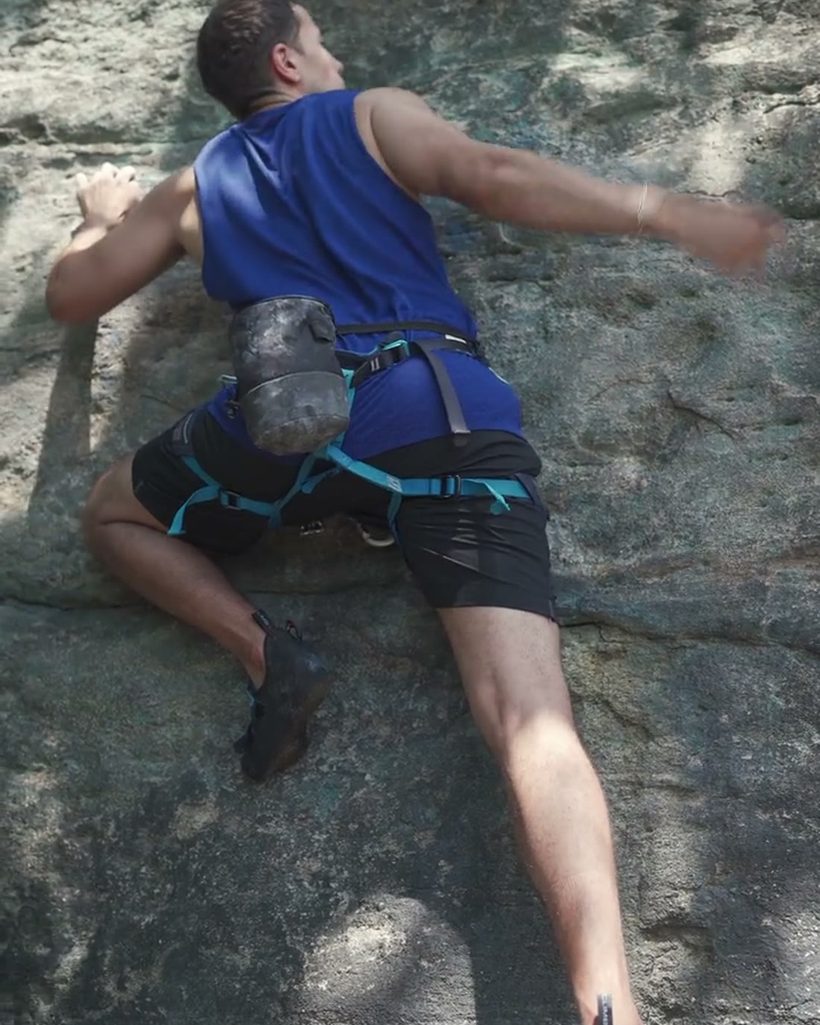
Everything connects.
Opt in to each connection in one Connections screen — nothing is on until you switch it on.
Heart-rate straps
Pair any standard Bluetooth heart-rate strap to record live BPM through your session, plotted on the graph.
Apple Health
On iPhone, read your heart rate and write each climb back as a workout.
Google Fit
On Android, sync your climbing sessions to Google Fit.
Kilter board
Connect a compatible board over Bluetooth to light up climbs — one connection, app-wide.
See your effort, live.
With a strap paired, your heart rate streams onto the session graph in real time and into each go — so you can see how hard that project really pushed you, and how you recover between burns.
- Live BPM on the graph
- Per-go average + max
- Standard Bluetooth straps


On your terms.
Every connection is opt-in and lives in one place. Turn them on when you want them, off when you don’t — your health data stays yours.
Good to know.
More of the app.
Your next session
starts here.
Free to download on iPhone and Android. Browse the board, track your climbs, and share your sends.
Free · iOS + Android